Podcast Scheduling Software: Automate Your Workflow Guide
The podcast industry will reach 584 million listeners globally in 2025, according to DemandSage’s latest podcast statistics. That’s a massive audience waiting for your content. But here’s the thing: most podcasters lose listeners not because their content is bad, but because their release schedule is inconsistent.
Manual publishing is the hidden time sink that nobody talks about. You record an episode, edit it, upload it, write show notes, set a publish date, double-check the RSS feed, and then do it all over again next week. For podcasters who batch record (and you should), this becomes a scheduling nightmare of spreadsheets, calendar reminders, and crossed fingers.
This guide covers practical workflow automation strategies that actually save time. We’ll compare scheduling features across major hosting platforms, share calendar templates for different podcast formats, and show you how batch recording combined with smart scheduling can give you back hours every week.
Quick Takeaways:
- Consistent publishing schedules increase listener retention by training audience habits
- Batch recording + scheduled publishing saves 3-5 hours per week for weekly podcasters
- Tuesday through Thursday are optimal publish days for most podcast audiences
- A 3-5 episode buffer protects your schedule during vacations, illness, or creative blocks
- Team collaboration features eliminate the back-and-forth of “is this episode ready to publish?”
Why Does Scheduling Matter for Podcast Growth?
Consistency is the single biggest predictor of podcast growth. According to Edison Research’s Infinite Dial study, 80% of podcast listeners complete all or most of each episode they start. That’s remarkable engagement compared to other content formats. But listeners only show up if they know when to expect you.
Algorithm Benefits of Consistent Publishing
Apple Podcasts and Spotify both reward consistent publishers. Their recommendation algorithms favor shows that publish on predictable schedules because consistent shows retain listeners better. A podcast that publishes every Tuesday at 8 AM trains the algorithm (and your audience) to expect new content at that time.
Inconsistent publishing sends the opposite signal. Miss a week, and listeners forget about your show. Miss two weeks, and the platforms start recommending other podcasts in your place. The algorithm doesn’t care about your excuses; it cares about patterns.
Audience Habit Formation
Your listeners build their lives around routines. Morning commute. Lunch break. Evening workout. Podcast listening fits into these daily patterns. When you publish consistently, you become part of someone’s routine. They expect you on Tuesday morning, so they save that commute time for your episode.
Break the pattern, and you break the habit. Listeners might find another podcast for their Tuesday commute. They might not come back.
Mental Load Reduction for Creators
Here’s what nobody tells you about podcasting: the mental load of “I need to publish something this week” is exhausting. It creates a low-grade anxiety that follows you everywhere. Scheduled publishing eliminates this entirely.
When you batch record four episodes and schedule them out for the next month, that anxiety disappears. You know exactly when each episode goes live. You can focus on other things. You can take a vacation without your podcast suffering.
Quick Takeaway: Scheduling isn’t just about automation. It’s about reducing the cognitive burden of running a podcast so you can focus on making great content.
How Do Scheduling Features Compare Across Platforms?
Not all podcast hosting platforms handle scheduling the same way. Some offer unlimited scheduled episodes, others cap how far ahead you can schedule, and a few make scheduling a premium feature. Here’s how the major platforms compare:
| Platform | Scheduled Episodes | Advance Scheduling | Team Features | Bulk Scheduling |
|---|---|---|---|---|
| VNYL | Unlimited | Unlimited | Included | Yes |
| Transistor | Unlimited | Unlimited | Included | Yes |
| Buzzsprout | Unlimited | Unlimited | Limited | No |
| Libsyn | Unlimited | Unlimited | Higher tiers | No |
| Captivate | Unlimited | Unlimited | Included | Yes |
| Anchor/Spotify | Limited | 30 days | Limited | No |
| Podbean | Unlimited | Unlimited | Limited | No |
| Castos | Unlimited | Unlimited | Limited | No |
Key Differentiators to Consider
Unlimited scheduled episodes means you can queue up your entire season in advance. This matters for batch recorders who want to schedule 8-12 episodes at once.
Team collaboration determines whether your editor, producer, or co-host can access the scheduling interface. Some platforms restrict this to higher pricing tiers.
Bulk scheduling lets you upload multiple episodes and set publish dates in one workflow rather than configuring each episode individually.
For a deeper comparison of all hosting features, check out our complete podcast hosting comparison guide.
Platform-Specific Notes
Transistor’s unlimited scheduling works well for podcast networks managing multiple shows. You can schedule episodes across all your podcasts from one dashboard.
Buzzsprout’s Magic Mastering and scheduling combination is popular with beginners because it optimizes your audio automatically before the scheduled publish time.
VNYL combines scheduling with team collaboration features, so your editor can mark episodes as “ready to publish” and you can schedule them for release without any back-and-forth emails.
What’s the Best Day and Time to Publish Your Podcast?
The short answer: Tuesday through Thursday mornings work best for most podcasts. But the real answer depends on your audience and their listening habits.
Data-Backed Publishing Patterns
Buffer’s 2025 timing research on content engagement found that weekday mornings consistently outperform other time slots across platforms. While this research focused on social media, the underlying principle applies to podcasts: people consume content during predictable daily windows.
For podcasts specifically, the pattern looks like this:
| Day | Performance | Best For |
|---|---|---|
| Monday | Good | News/current events shows |
| Tuesday | Excellent | General audiences |
| Wednesday | Excellent | Business/professional content |
| Thursday | Excellent | Entertainment/interview shows |
| Friday | Moderate | Casual/weekend preview content |
| Saturday | Lower | Limited reach |
| Sunday | Lower | Religion/reflection content |
Time of Day Considerations
Most podcast listening happens during commutes and lunch breaks. Publishing at 5-6 AM local time means your episode is ready when listeners wake up. By the time they’re in their car or on the train, your new episode appears at the top of their queue.
Publishing in the afternoon means competing with content that’s already been out all day. Your episode starts behind.
Timezone Strategies for Global Audiences
If your audience spans multiple timezones, you have two options:
Option 1: Pick your largest audience segment. If 60% of your listeners are in the US Eastern timezone, publish for them. Everyone else will catch up.
Option 2: Publish overnight US time. A 2 AM Eastern publish time means your episode is ready for European mornings and US mornings. This works well for globally distributed audiences.
Quick Takeaway: Tuesday through Thursday at 5-6 AM local time (for your primary audience) gives you the best chance of appearing in morning listening routines.
Testing Your Optimal Publish Time
Don’t blindly follow best practices. Test what works for your specific audience. Here’s a simple testing framework:
- Establish a baseline. Publish at the same time for 4-6 weeks and track download patterns.
- Test one variable. Change only the publish day (not time) for another 4-6 weeks.
- Compare results. Look at first-24-hour downloads, first-week totals, and completion rates.
- Iterate. Once you find your best day, test different times on that day.
Most podcast analytics dashboards show when your episodes get the most downloads. Use that data to inform your schedule rather than guessing.
The Batch Recording Workflow That Saves Hours
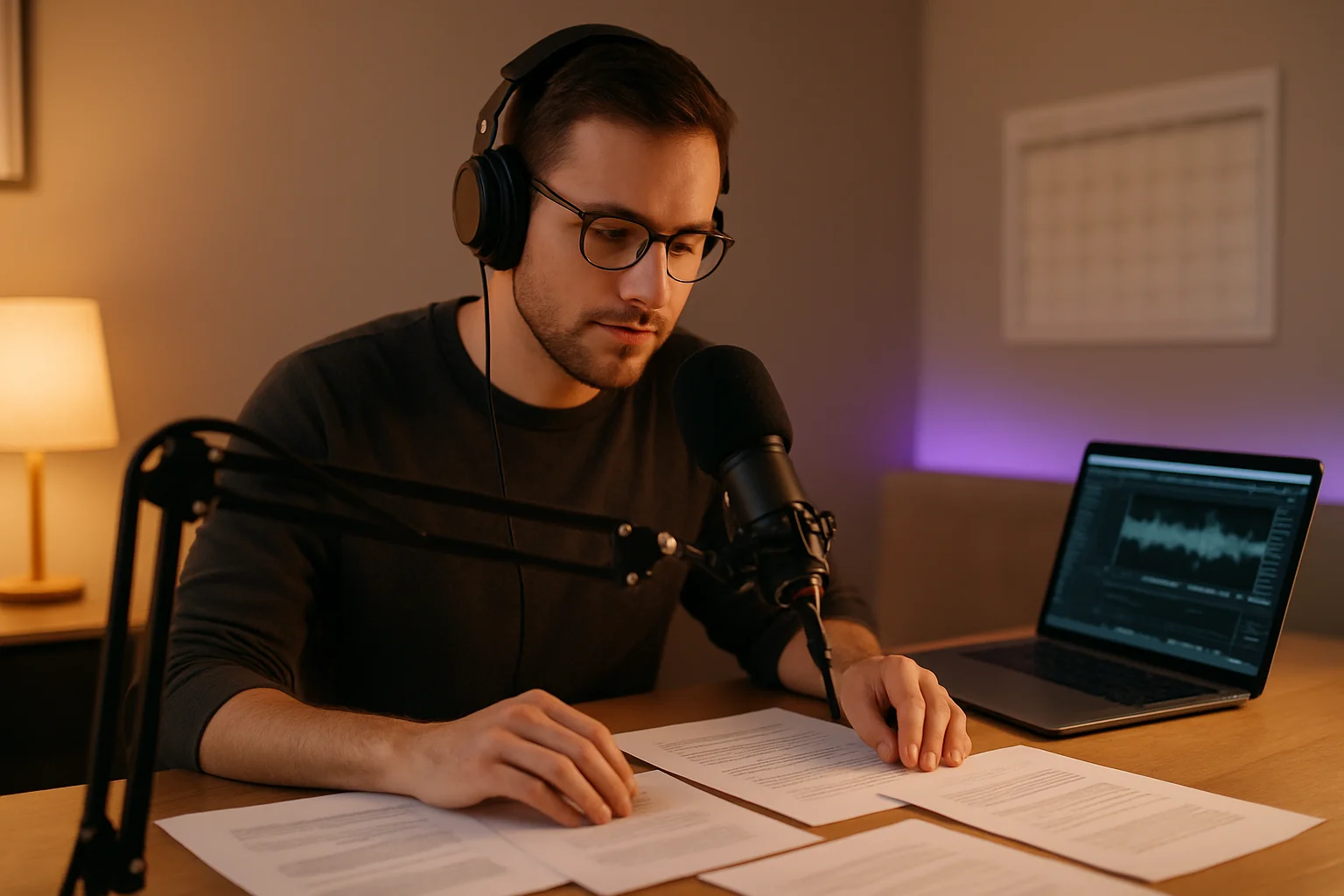
Batch recording means recording multiple episodes in a single session rather than one episode at a time. Combined with scheduled publishing, it’s the most efficient way to run a podcast.
Why Batch Recording Works
Recording one episode requires setup time: checking your microphone, adjusting levels, getting into the right headspace, opening your notes. This setup takes 15-30 minutes regardless of whether you’re recording one episode or four.
Batch recording amortizes that setup time across multiple episodes. Record four episodes in one session, and your effective setup time per episode drops to 5-8 minutes.
The Monthly Batch Recording Strategy
Here’s a workflow that works for weekly podcasters:
Week 1: Plan your next four episodes. Outline topics, research, book guests.
Week 2: Record all four episodes in one or two sessions. Edit and prepare show notes.
Week 3: Upload all four episodes to your hosting platform. Schedule publish dates.
Week 4: Rest. Promote. Plan the next batch.
This creates a one-month buffer between recording and publishing. You’re always working a month ahead, which means vacations, illness, or creative blocks don’t derail your publishing schedule.
The 3-5 Episode Buffer Strategy
Your buffer is your safety net. At minimum, maintain three episodes scheduled ahead of your current publish date. Five episodes is even better.
Why this matters:
- Sick day? Your buffer publishes while you recover.
- Vacation? Your podcast keeps running without you.
- Guest cancels? You have time to find a replacement.
- Creative block? Less pressure means better content when inspiration returns.
Batch Recording Checklist
Before your recording session:
- All episode outlines complete
- Guest recordings confirmed and scheduled
- Equipment tested and levels set
- Water and snacks available
- Phone on silent, notifications disabled
During recording:
- Record episodes back-to-back with short breaks
- Note timestamps for any sections to re-record
- Keep energy consistent across all episodes
- Take a 10-minute break every 2 episodes to reset
After recording:
- Export and organize audio files by episode
- Send to editor with clear instructions
- Schedule editing deadlines to match publish dates
Calendar Templates for Different Podcast Types
Different podcast formats require different scheduling approaches. Here are templates you can adapt for your show.
Weekly Interview Show Template
Recording schedule: Batch record 4 interviews monthly Buffer target: 4-5 episodes ahead Publish day: Tuesday or Wednesday at 6 AM
| Week | Activity |
|---|---|
| Week 1 | Guest outreach and booking for next month |
| Week 2 | Record 4 interviews (2 sessions of 2 each) |
| Week 3 | Edit, write show notes, schedule episodes |
| Week 4 | Promote current episodes, plan next month |
Daily News Podcast Template
Recording schedule: Daily or same-day recording Buffer target: 1-2 episodes (breaking news flexibility) Publish day: Every weekday at 5 AM
Daily news shows can’t batch record weeks ahead because content must be current. Instead, focus on:
- Templated show structure (reduces planning time)
- Streamlined editing workflow (15-minute turnaround)
- Automated publishing at consistent time
- Weekend episodes pre-recorded Friday afternoon
Seasonal/Limited Series Template
Recording schedule: Batch record entire season before launch Buffer target: Full season (6-12 episodes) Publish day: Consistent weekly release
Seasonal podcasts have an advantage: you can record everything before publishing anything. This means:
- All episodes edited and approved before episode 1 goes live
- Marketing materials prepared for entire season
- No mid-season production stress
- Ability to reference future episodes in current ones
Adapting Templates to Your Reality
These templates are starting points, not rigid rules. The best schedule is one you can actually maintain. A bi-weekly podcast published consistently beats a weekly podcast that frequently misses episodes.
Consider your constraints:
- Time available: How many hours per week can you realistically dedicate to podcasting?
- Energy levels: When are you at your creative best? Schedule recording sessions then.
- Team availability: If you work with others, find overlap in everyone’s schedules.
- Content type: Interview shows require guest coordination; solo shows offer more flexibility.
Start with a schedule you’re confident you can maintain for six months. You can always increase frequency later once you’ve built the habit.
How to Coordinate Scheduling with Your Team
Podcasts with multiple people involved (editors, producers, co-hosts, guests) need clear handoff workflows. Otherwise, scheduling becomes a communication nightmare.
Editor Handoff Workflow
- Creator records and uploads raw audio to shared drive
- Creator marks episode as “ready for editing” in project tracker
- Editor receives notification and begins work
- Editor uploads finished audio and marks “ready for review”
- Creator reviews, approves, and schedules for publishing
The key is eliminating ambiguity. Everyone knows exactly where each episode is in the workflow.
Multi-Host Coordination
For shows with multiple hosts:
- Use a shared calendar showing recording sessions and publish dates
- Establish who has final approval on scheduling decisions
- Create backup plans for when one host is unavailable
- Record “evergreen” episodes that can air anytime as emergency backups
Guest Episode Scheduling
Guest episodes require extra lead time:
- Book guests 4-6 weeks before intended air date
- Send prep materials 1 week before recording
- Record 3-4 weeks before publish date (editing buffer)
- Coordinate promotion with guest’s schedule
For more on managing podcast teams effectively, we’ll be publishing a detailed guide on team collaboration tools soon.

VNYL’s Scheduling and Team Features
When we built VNYL, scheduling and team collaboration were core features from day one. Too many podcasters were spending hours on workflow coordination instead of creating content.
Drag-and-Drop Calendar
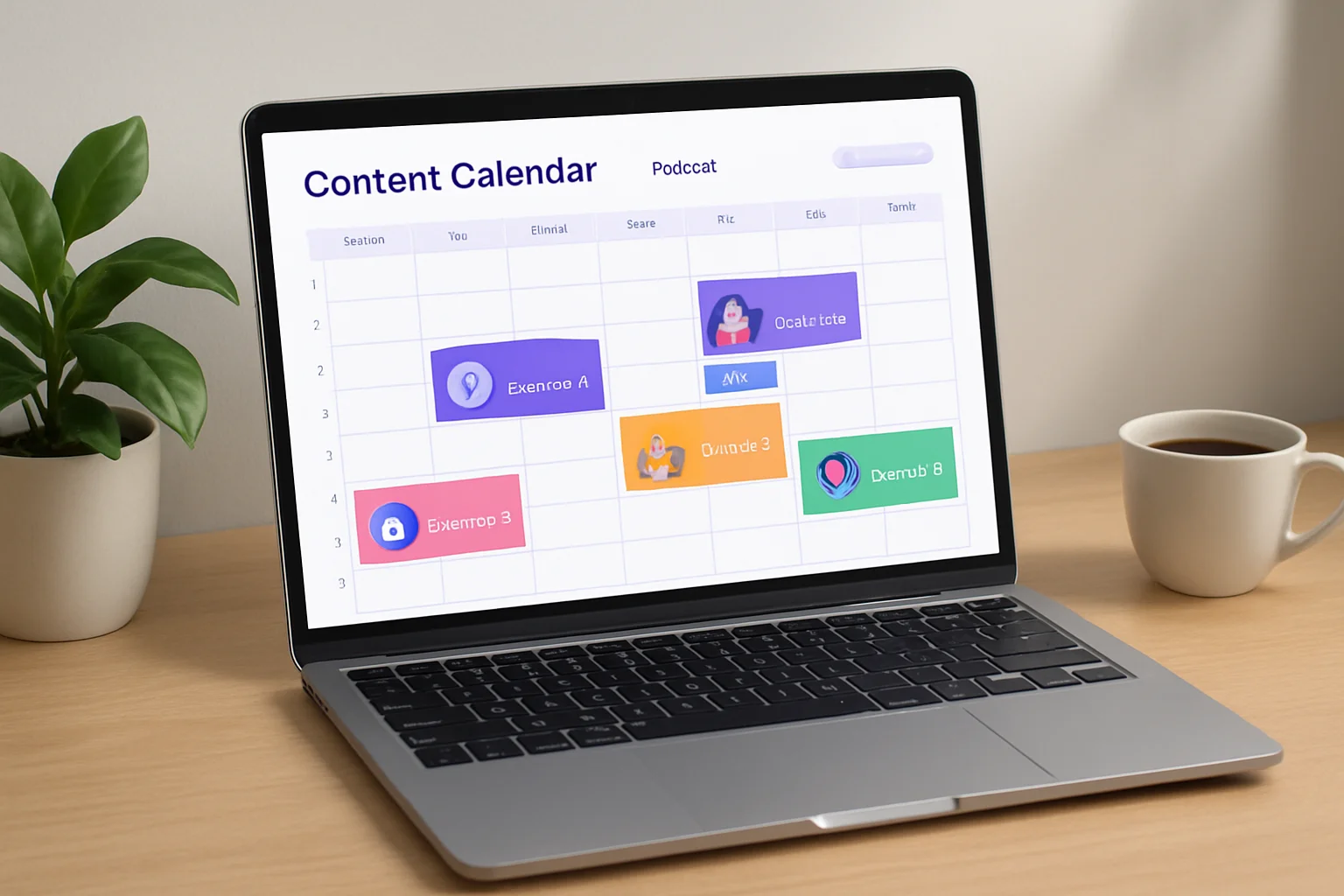
VNYL’s episode calendar shows all your scheduled episodes in a visual timeline. Drag an episode to change its publish date. See gaps in your schedule at a glance. Plan months ahead without spreadsheets.
Team Collaboration Integration
Invite your editor, producer, or co-host to your VNYL account. Set permissions so they can upload episodes and mark them ready for review, but only you can set final publish dates. No more “is this episode approved?” emails.
Bulk Scheduling
Upload multiple episodes at once and set publish dates in batch. Perfect for seasonal shows or batch recorders who want to schedule a month of content in one sitting.
Episode Status Tracking
Every episode in VNYL has a clear status: draft, ready for review, scheduled, published. Your team sees exactly where each episode stands in the workflow.
(This is exactly why we built VNYL with team features included on all plans. Collaboration shouldn’t be a premium add-on.)
Make Scheduling Work for You
Podcast scheduling software isn’t about replacing creativity with automation. It’s about removing the friction that prevents consistent publishing. When you’re not worrying about “did I remember to publish this week?”, you can focus on what matters: making great content for your listeners.
Here’s the action plan:
Start with your buffer. Record and schedule 3-5 episodes ahead of your current publish date. This gives you breathing room.
Pick a batch recording rhythm. Monthly works for most weekly shows. Find what fits your schedule and commit to it.
Choose a publish day and stick to it. Tuesday through Thursday mornings are safe defaults. Consistency matters more than optimization.
Automate the handoffs. If you work with an editor or team, establish clear workflows so everyone knows their role.
The 584 million podcast listeners in 2025 are waiting for content they can rely on. Give them a schedule they can build habits around, and they’ll reward you with their attention.
Ready to automate your podcast workflow? VNYL’s scheduling and team features are built for podcasters who batch record and publish consistently. Try it free and see how much time you get back.
Want more podcasting tips like these? Join our newsletter at vnyl.fm for weekly insights on growing your podcast.